Most small businesses start with IT the same way: someone on staff who is “good with computers,” plus a technician you call when something breaks. It works until the business grows, a laptop is stolen, the server fails on a Monday morning or an insurance application asks questions nobody can answer.
Managed IT services are the alternative: a provider takes ongoing responsibility for your technology for a predictable monthly fee. This guide explains what that actually means, what a typical plan includes, how pricing is usually structured and how to decide whether it is the right fit for your business in Orange County.
What are managed IT services?
With managed IT services, an outside company, called a managed service provider (MSP), runs and protects your technology on an ongoing basis. Instead of paying by the hour when something goes wrong, you pay a monthly fee and the provider works to keep things from going wrong in the first place.
The key difference is who is responsible. With break-fix support, the technician fixes what you report and leaves. With managed services, the provider monitors your systems, keeps them updated, answers your staff’s questions and plans for what you will need next.
What do managed IT services include?
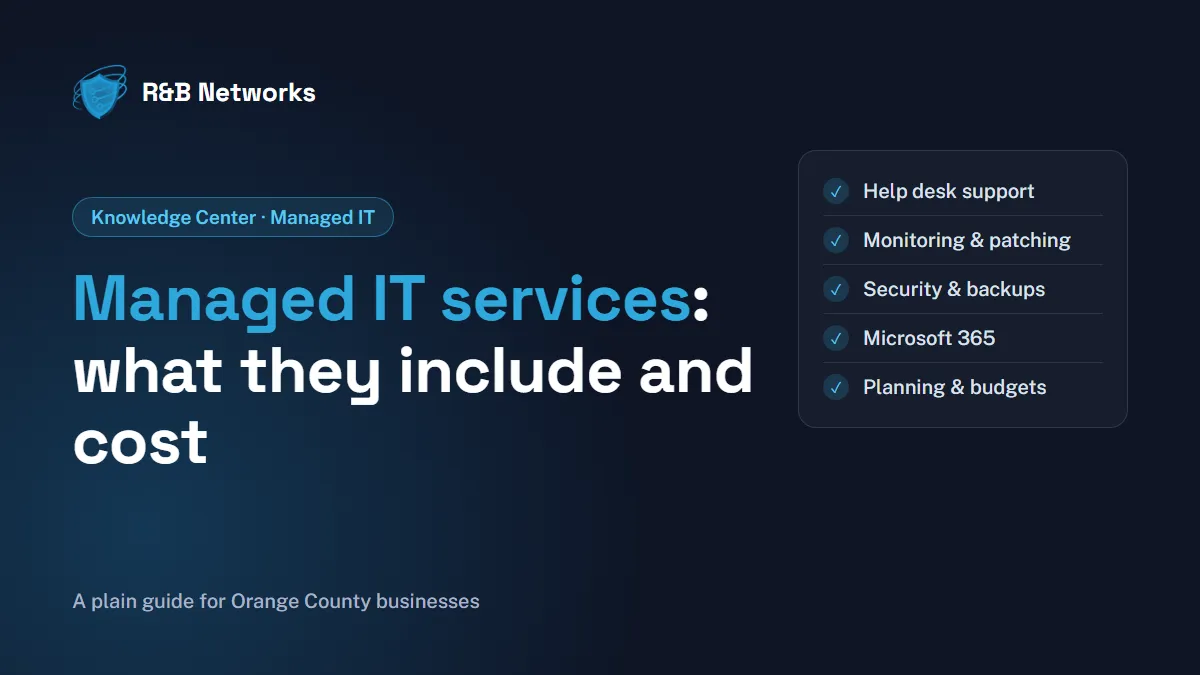
Plans differ between providers, but a complete managed IT service usually covers:
- Help desk support for your staff by phone, email or chat, plus on-site visits when a problem cannot be fixed remotely.
- Monitoring and maintenance of computers, servers and network equipment, so problems are caught early.
- Patching and updates for operating systems and applications, on a schedule that does not interrupt work.
- Security: endpoint protection, email filtering, multi-factor authentication and, increasingly, 24/7 monitoring by a security operations center (SOC).
- Backup and recovery: backups that are checked regularly, and a plan to get running again after an outage or ransomware attack.
- Microsoft 365 and cloud management: user accounts, licenses, email, Teams and SharePoint.
- Network management: firewalls, Wi-Fi, switches, internet connections and connections between offices.
- Vendor coordination: dealing with your internet provider, phone system and software vendors so you do not have to.
- Planning and advice: regular reviews, technology budgets, equipment replacement schedules and strategy, sometimes called a virtual CIO (vCIO).
When you compare providers, ask for a written list of what is included and what costs extra. Projects such as office moves, new servers or cloud migrations are often billed separately.
Fully managed or co-managed IT?
There are two common ways to work with an MSP:
- Fully managed IT: the provider acts as your IT department. This suits businesses without in-house IT staff.
- Co-managed IT: the provider supports an existing IT person or team, adding 24/7 monitoring, security tools, extra hands for projects and expertise in areas your team does not cover every day.
Co-managed IT is often the better fit when you already have someone who knows your business well. We explain how that partnership works in How a Managed Service Provider Becomes Your IT Department’s Most Valuable Extension.
How much do managed IT services cost?
Every provider prices differently, and published prices rarely compare like for like. What you can compare is how the price is built. The most common models are:
- Per user: a monthly fee for each employee, covering all of their devices. Simple to budget as you hire.
- Per device: a fee for each computer, server or network device. Can suit businesses with shared workstations or equipment.
- Tiered packages: basic, standard and premium plans, with more services (often security and on-site support) in the higher tiers.
- Flat monthly fee: one price for a defined environment, adjusted when the business changes significantly.
The factors that most affect the price are:
- The number of users, devices, servers and locations.
- How much security is included, such as 24/7 monitoring and response.
- Compliance needs, for example CMMC for defense suppliers or PCI DSS for businesses that take card payments.
- Support hours (business hours only, or around the clock) and how much on-site support you need.
- The age and condition of your current equipment.
Be wary of very low quotes that leave out security, backups or after-hours support. The cheapest plan can cost more once you add what is missing, which is why transparent IT pricing matters. Ask every provider for a written scope, what is excluded and how project work is billed.
Signs your business is ready for managed IT
Managed IT tends to pay off when one or more of these sound familiar:
- Staff lose time waiting for IT help, or fix things themselves.
- Nobody is sure whether backups work or when they were last tested.
- An insurer, client or auditor is asking security questions you cannot answer.
- You are adding people, opening a second location or moving to the cloud.
- Your “IT person” is stretched thin, or is the only one who knows the passwords.
- IT costs are unpredictable from month to month.
Choosing a provider in Orange County
Once you decide managed IT is right for you, the provider matters as much as the plan. Look for a team close enough to send an engineer on site, clear security practices, plain-English reporting and contract terms you understand. Our checklist, How to Choose a Managed IT Service Provider in Orange County, lists the questions to ask and the red flags to watch for.
How R&B Networks can help
R&B Networks is based in Fountain Valley and provides managed IT services in Orange County, fully managed or co-managed, to small and mid-size businesses across Orange County and Southern California. Our team combines day-to-day support with managed cybersecurity from a 24/7 SOC with human analysts, Microsoft 365 and Azure management as a Microsoft Cloud Solution Provider, and IT consulting for budgeting, disaster recovery and long-term planning. Our engineers hold active ISC2 CISSP, Microsoft Azure Solutions Architect, Cisco CCIE and VMware credentials.
The bottom line
Managed IT services replace “call someone when it breaks” with a provider who keeps your technology running, secure and planned for, at a predictable monthly cost. Understand what is included, compare how pricing is built rather than the headline number, and choose a provider who fits how your business works.
Have questions about managed IT services? Get a free assessment or call us at 949-323-8837.