A few years ago, buying cyber insurance meant answering a handful of questions and signing a form. Today the application reads like a security audit. Insurers want to know exactly how you protect logins, laptops, email and backups, and the answers decide whether you get coverage, what it costs and whether a claim gets paid.
If your renewal is coming up, or a client contract now requires proof of cyber coverage, this guide explains the security controls insurers most often expect, what policies typically do not cover, and how to prepare an application you can stand behind. It is written for owners and office managers at small and mid-size businesses here in Orange County, not IT specialists.
What is required for cyber insurance?
Every insurer has its own questionnaire, but most ask about the same core controls. If you can show these are in place, you are in a strong position. If several are missing, expect higher premiums, lower coverage limits or a declined application.
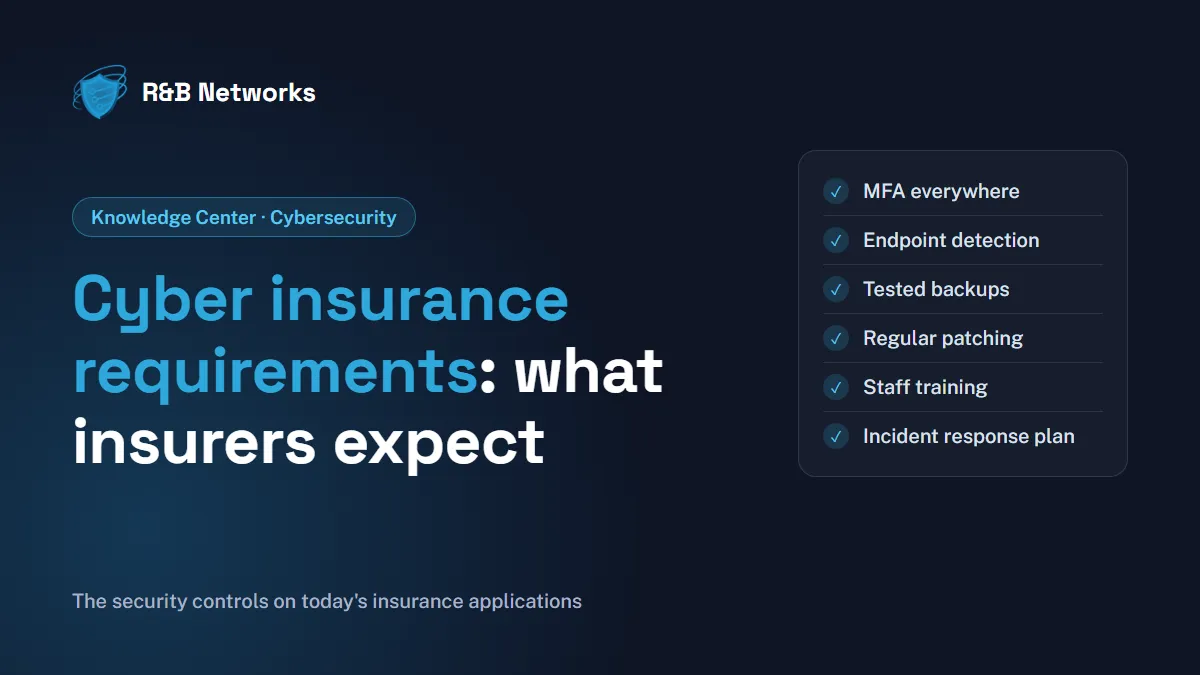
The controls insurers ask about most often:
- Multi-factor authentication (MFA) on email, remote access (VPN and remote desktop), cloud apps and every administrator account.
- Endpoint detection and response (EDR): security software that watches computers and servers for suspicious behavior, not just known viruses.
- Backups that are separate from your network, encrypted, and tested by actually restoring data.
- Regular patching of operating systems, applications and network devices, with a plan for anything that is no longer supported.
- Email security: filtering for phishing and malicious attachments, plus domain protections (SPF, DKIM and DMARC) that make your email harder to impersonate.
- Security awareness training for all staff, often with simulated phishing tests.
- Limited administrator access: staff use standard accounts day to day, and admin rights are reserved for the few people who need them.
- A written incident response plan that says who does what if you are attacked.
The sections below explain why insurers focus on these, and what “in place” really means.
Multi-factor authentication: the first question on every form
Stolen passwords are one of the most common ways attackers get in, which is why MFA is usually the first question on the application. Insurers rarely accept “we have MFA on some things.” They ask specifically about email, remote access, cloud services and privileged accounts.
Be precise when you answer. If MFA is on email but not on the VPN, say so, then fix the gap. Our guide to why multi-factor authentication is critical covers the options, from authenticator apps to phishing-resistant security keys.
Endpoint detection and response, and someone watching it
Traditional antivirus looks for known threats. EDR looks for suspicious behavior, such as a program suddenly encrypting files or a user account logging in from two countries at once, and can isolate a device before an attack spreads.
Insurers increasingly ask a follow-up question: who responds to the alerts, and when? An EDR tool that alerts at 2 a.m. on a Saturday does little good if nobody sees the alert until Monday. Many small businesses meet this expectation with managed detection and response (MDR), where a security operations center (SOC) monitors and responds around the clock.
Backups you have actually tested
Ransomware is one of the biggest drivers of cyber claims, so insurers want proof you could recover without paying a ransom. They typically ask whether backups are:
- Separated from your main network (offline, or immutable so they cannot be changed or deleted).
- Encrypted, so a stolen backup does not become a data breach.
- Tested, with a recent, successful restore, not just a green checkmark in the backup software.
If you have never timed a full restore, do it before your renewal. For more on how attacks unfold, see everything you need to know about ransomware.
Email security and staff training
Phishing and business email compromise, where an attacker impersonates a vendor or executive to redirect a payment, remain leading causes of losses. Insurers look for layered defenses: filtering that blocks malicious messages, domain protections that stop look-alike emails, and training that helps staff spot what gets through.
Ask your insurer or broker how the policy treats social engineering fraud. On many policies, losses from tricking an employee into wiring money are covered only through a separate endorsement, often with a lower limit. Our guide on how to secure your business email covers the technical side.
Patching, admin access and an incident response plan
Three more items often decide borderline applications:
- Patching: insurers ask how quickly critical updates are installed and whether any systems are past end of support. An old server that can no longer be updated is a red flag, so have a replacement plan.
- Admin access: fewer administrator accounts means fewer high-value targets. Separate admin accounts from everyday email accounts, and protect them with MFA.
- Incident response plan: a short, practical document listing who to call (your IT provider, your insurer’s breach hotline, legal counsel), how to isolate affected systems and how to communicate with staff and clients. Many policies require you to notify the insurer promptly and use approved response firms, so put those contacts in the plan.
What does cyber insurance usually cover, and not cover?
Coverage varies widely, so read your policy with your broker. In general, cyber policies often help with costs such as incident response and forensic investigation, data restoration, notifying affected customers, business interruption and certain legal costs.
Common gaps and exclusions include:
- Incidents that started before the policy began, or that you already knew about.
- Failing to maintain the controls you described on your application. If you said MFA was everywhere and it was not, a claim may be disputed.
- Upgrades after an incident, such as replacing outdated systems with better ones.
- Social engineering and funds transfer fraud, unless added by endorsement.
- Certain acts of war or state-sponsored attacks, depending on policy wording.
Is cyber insurance mandatory, and how much does it cost?
For most private businesses, cyber insurance is not legally required. In practice, it is increasingly expected: clients, lenders and larger partners often write coverage requirements into contracts, and regulated industries may face their own expectations. Check your contracts for specific coverage amounts.
Premiums depend on your industry, revenue, the data you hold, the coverage limits you choose and, more than ever, your security controls. Strong, documented controls are one of the few cost factors fully within your control.
How to prepare your application
- Get the questionnaire early. Ask your broker for it a few months before renewal.
- Answer honestly and precisely. Inaccurate answers can put a future claim at risk. When unsure, ask your IT provider to confirm.
- Close the gaps first. MFA and backup testing are usually the quickest wins.
- Keep evidence. Screenshots of MFA settings, backup test results, training records and your incident response plan make the process smoother.
- Get an outside view. A security assessment or penetration test shows insurers, and you, where you really stand.
At R&B Networks we help businesses across Orange County put these controls in place and keep them running: managed detection and response from a 24/7 SOC with human analysts, endpoint protection and automated patching, MFA and identity protection, email and phishing defense with awareness training, and vulnerability assessments. Your broker and policy terms have the final word on coverage, so confirm the specifics with them.
The bottom line
Cyber insurance requirements are really a checklist of security basics: MFA everywhere it matters, monitored endpoints, tested backups, current patches, trained staff and a plan for the worst day. Put them in place and your application becomes simpler, your premium more predictable, and your business harder to attack in the first place.
Have questions about cyber insurance requirements? Get a free assessment or call us at 949-323-8837.